01
Choose a shinobi concept
Start in the OC maker with a village, role, personality, and one detail that makes your original character memorable.
Describe your OC or use the quick options to choose their appearance, outfit, and personality.
Upload an image if you want to guide the pose, appearance, or composition.
Choose the aspect ratio and image size, then generate. Your image will appear here in Output.
Your original shinobi starts here
A shinobi OC is an original character imagined for a Naruto-inspired world. Start with a village and a role, then give your character a recognizable silhouette, personal style, and one signature ability. The Naruto OC maker turns that written direction into an anime-style image you can refine.
01
Start in the OC maker with a village, role, personality, and one detail that makes your original character memorable.
02
Add hair, clothing, colors, equipment, expression, pose, and setting. Ask for a full-body view if you want the complete outfit in frame.
03
Create an image in the OC maker, review the result, and adjust your description to guide the next version.
Try these original shinobi concepts in the Naruto OC maker, then change the details to fit your own story. The first three prompts are also available beside the maker above; tap one to place it in the description field.
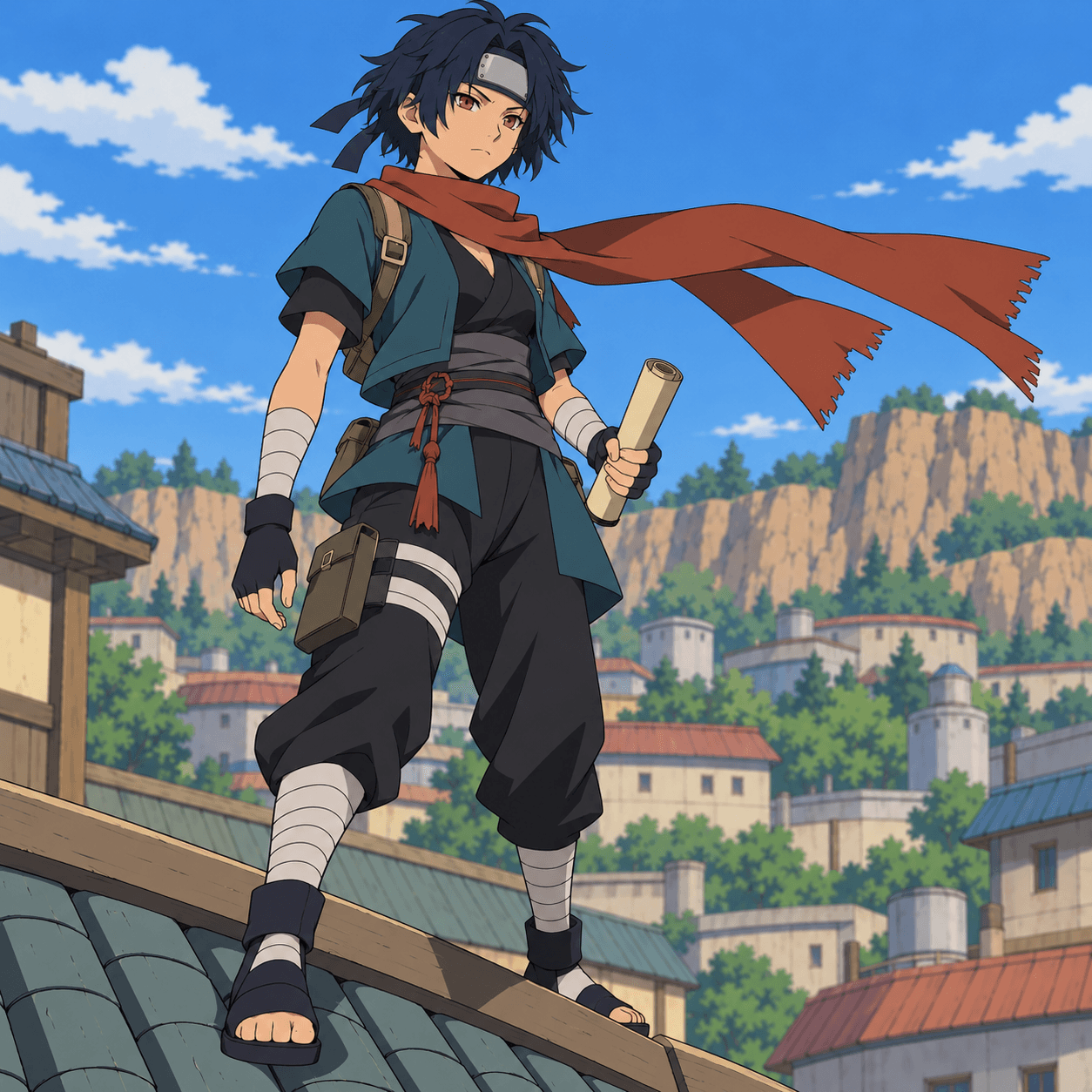
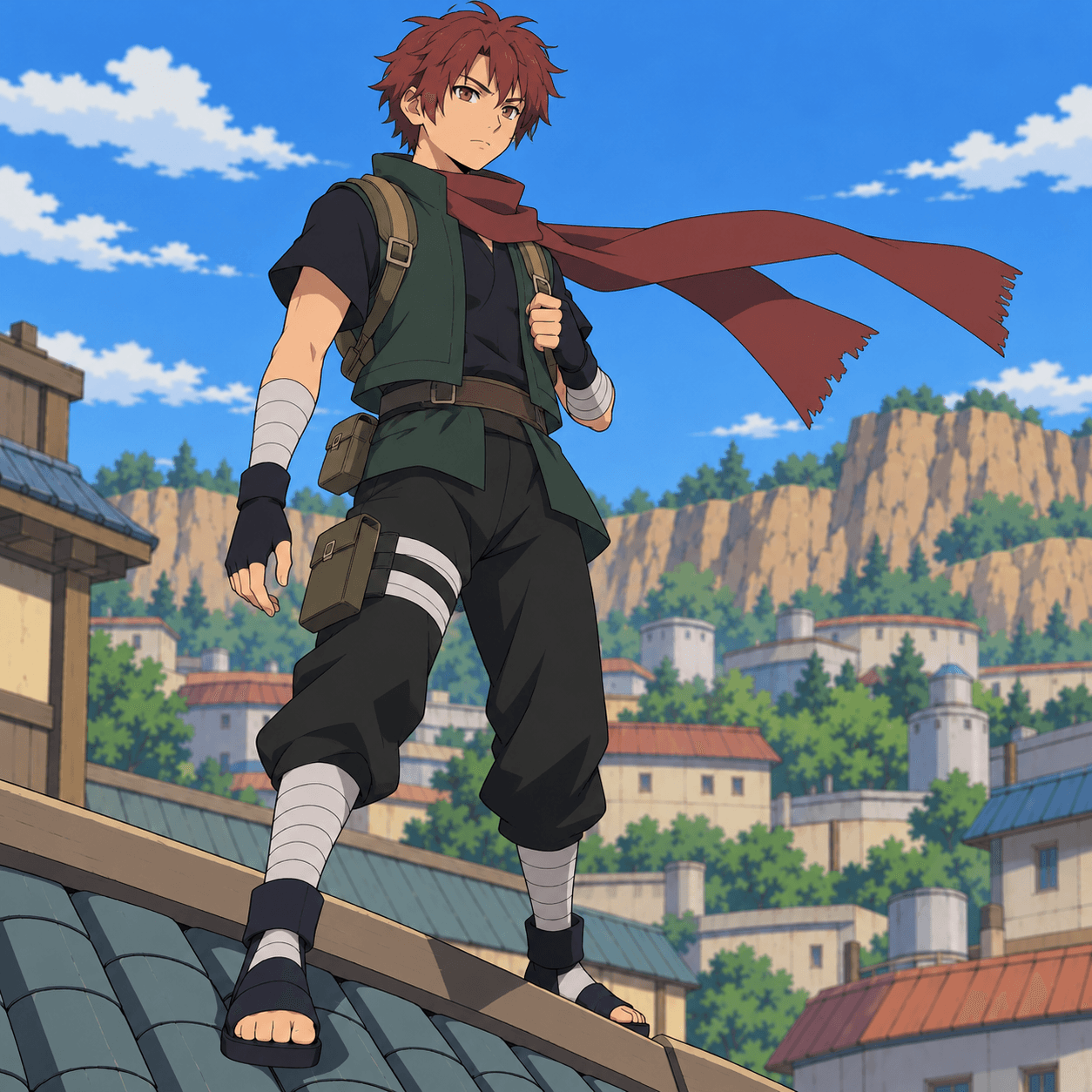
A quick-moving scout with a teal jacket, short dark hair, wind-based movement, and a rooftop lookout pose.
Try this prompt: An original Leaf Village scout with a teal jacket, short dark hair, a wind technique, and a rooftop pose.
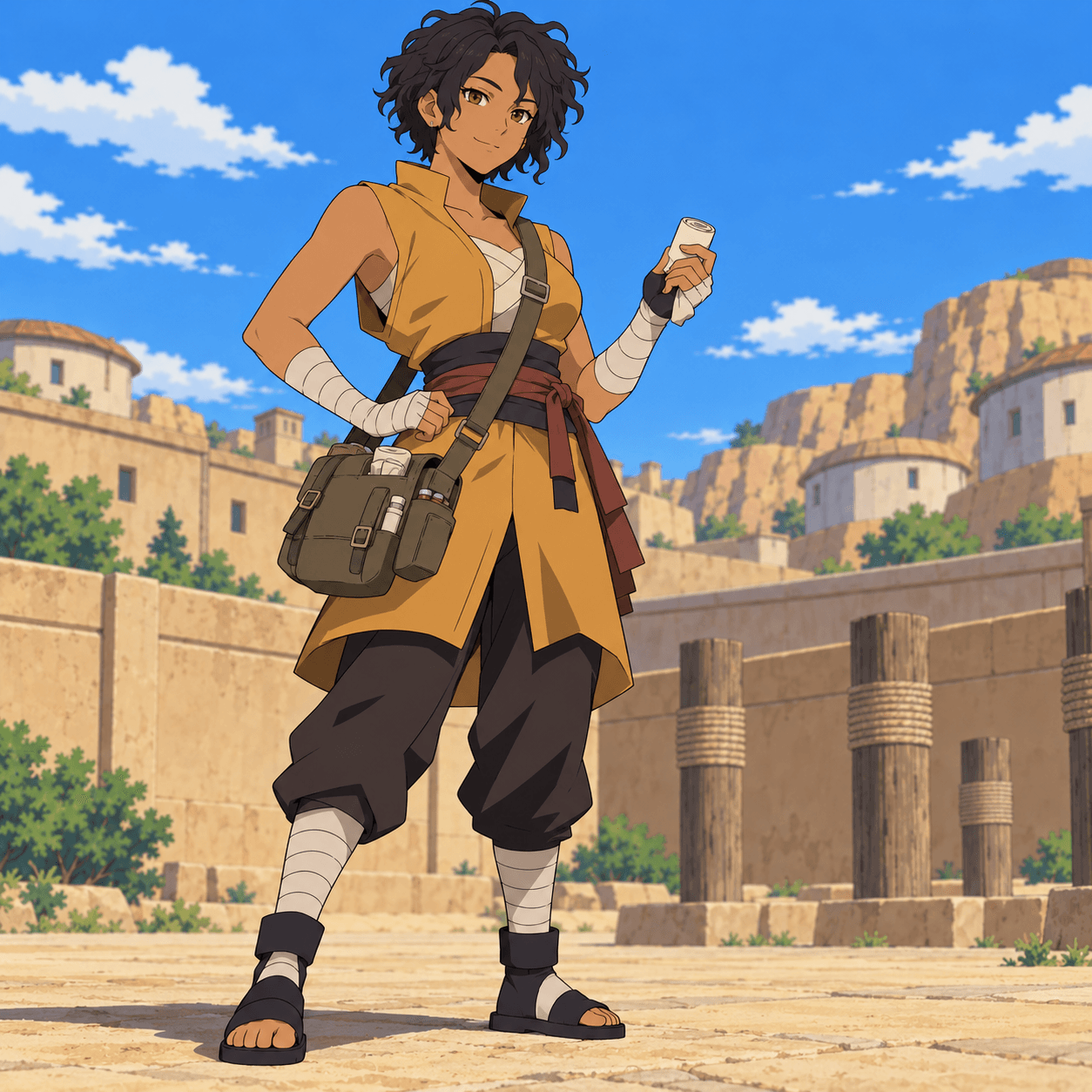
A field medic in layered desert robes with a medicine pouch, sun-warmed colors, and a calm expression.
Try this prompt: An original Sand Village healer with layered desert robes, a medicine pouch, warm colors, and a calm expression.

A quiet tracker wearing a rain cloak and carrying practical gear, framed by fog and coastal light.
Try this prompt: An original Mist Village tracker with a rain cloak, braided hair, a water technique, and a foggy shoreline.
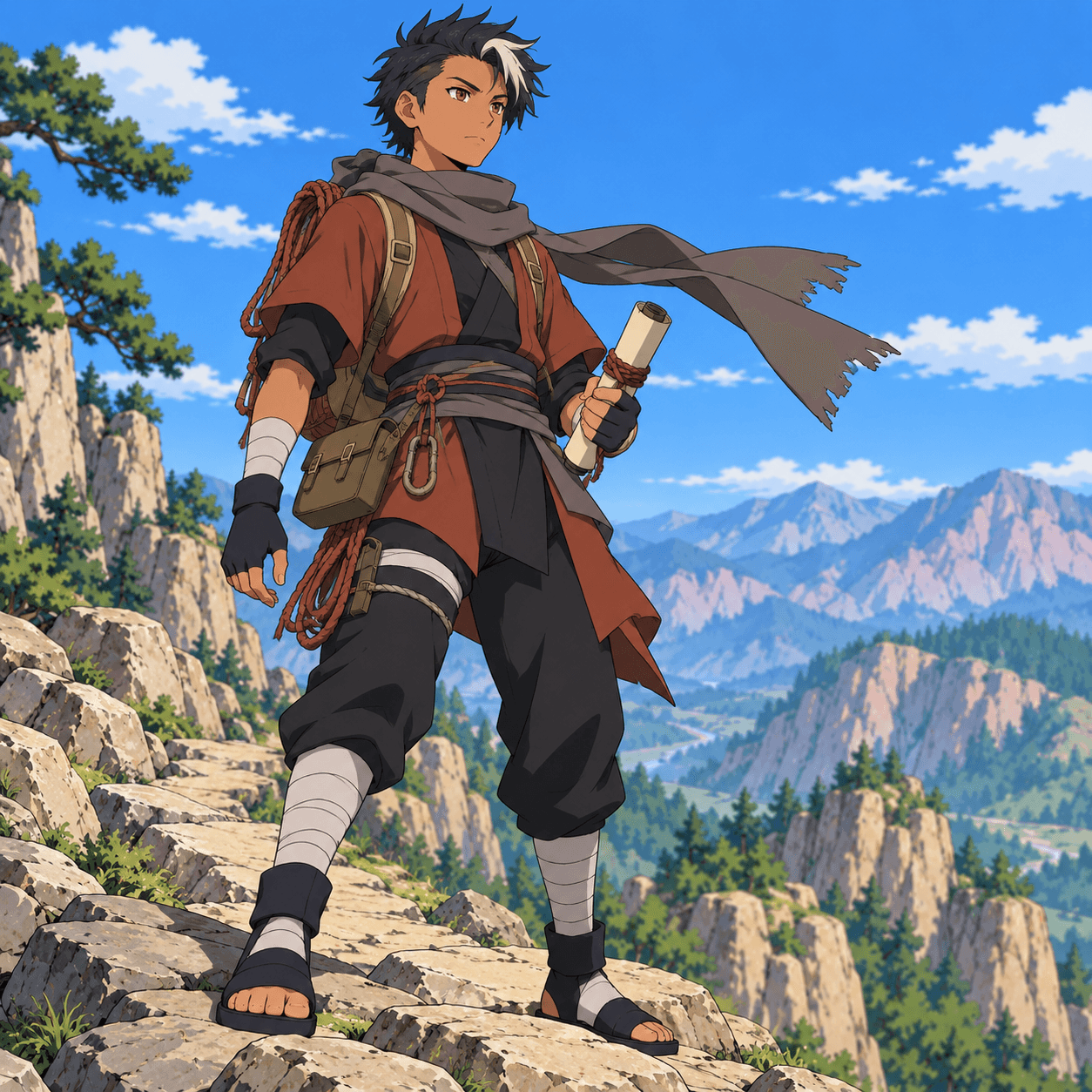
A young messenger with travel-worn layers, climbing tools, and a determined stance on a mountain path.
Try this prompt: An original mountain courier with travel-worn layers, climbing tools, dark hair, and a determined stance on a mountain path.
The Naruto OC maker works from the details you provide. Give your character a clear role and a few visual traits before you refine the scene.
Describe your OC's silhouette, outfit, colors, equipment, and scene in your own words.
Upload an image you have permission to use when you want visual guidance for the design.
Use the available image settings and prompt for a portrait or full-body composition.
01 / Outfit direction
Build an outfit around the character's work: light layers for a scout, durable travel gear for a courier, or practical pouches for a healer. Describe fabrics, colors, accessories, and footwear so the Naruto OC maker has a clearer visual direction.
02 / Prompt-led design
This Naruto OC maker uses a written description and an optional reference image. The OC maker interprets those details instead of assembling a character from a fixed Picrew-style parts library. Generated details may vary, so refine your prompt when a feature matters to your design.
In the Naruto OC maker, start with an original shinobi concept. Describe their village, role, appearance, outfit, ability, pose, and setting, then generate an image and refine the details.
The Naruto OC generator creates an image from your description. The OC maker does not write a complete character profile; you can add a backstory separately.
Yes. Ask the OC maker for a full-body view and describe the outfit from head to toe. The exact framing can vary between generated images.
Yes. Describe the character you want, including their appearance, clothing, and personality. You can also use the available trait controls to add visual details.
You can prepare a character description before signing in. Image generation requires an account and uses credits; check the pricing page for current options.
No. This is an AI image generator guided by your written prompt and an optional reference image, rather than a fixed menu of illustrated parts.
Yes. Upload only images you own or have permission to use. The OC maker can use a reference as guidance, but details may still change.
Your creation history is private to your account and is not automatically added to a public gallery.
Check the service terms and applicable intellectual-property rules for your intended use. Creating an original character does not grant rights to protected franchise characters or artwork.
Tell the OC maker which detail matters most, simplify competing instructions, and generate another version.
Give your character a village, a role, and a visual detail worth remembering. Then bring the idea to life with the Naruto OC maker.
Back to the Naruto OC maker